
1
Copy the header
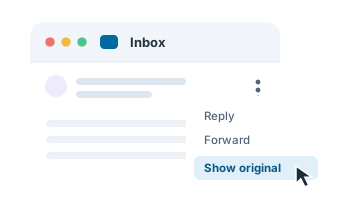
Open the original message or its headers in your mail program. The list at the top of this page shows where to find them.
De-centralized privacy tools and more — free for personal use
The sample is a real message header. One click loads it and shows the full result, so you can see what the analyzer does before pasting your own.
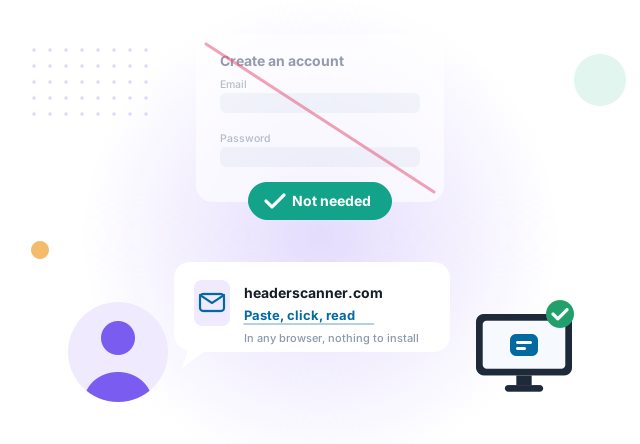
There is nothing to register and nothing to sign in to. Paste a header, click Analyze and read the result, in any browser.
Three steps, in any browser, with nothing to install and no account.
Open the original message or its headers in your mail program. The list at the top of this page shows where to find them.
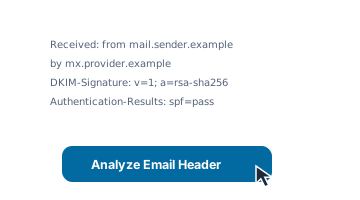
Paste the header into the box and click Analyze Email Header. No header to hand? Analyze the sample.
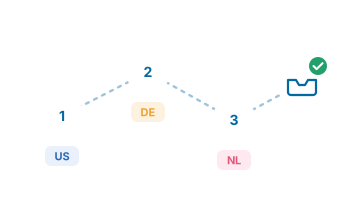
Every server the message passed through, oldest first, each with its location and network, and the authentication results.
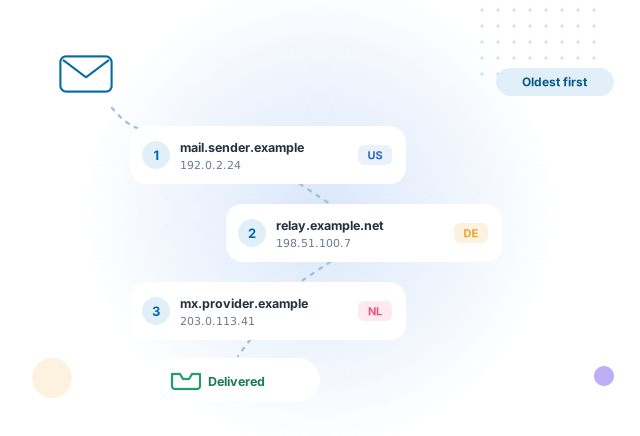
An email header is the message’s travel record. Each server that handled it adds a line, newest at the top. Reading those lines shows where the message entered the mail system, which services relayed it, and whether the sending server was authorized to send for the domain it claims.
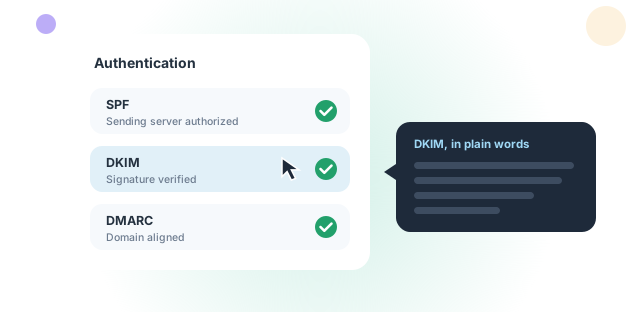
Whether the sending server was authorized for the domain it claims, and whether the message changed after it was signed. Each field is explained in plain words, shown when you hover over it.
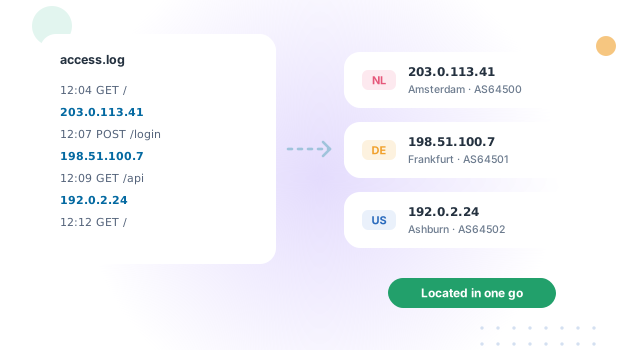
Paste a log, a report or any text that contains IP addresses, and every address is located in one go, each with its location, flag and network.
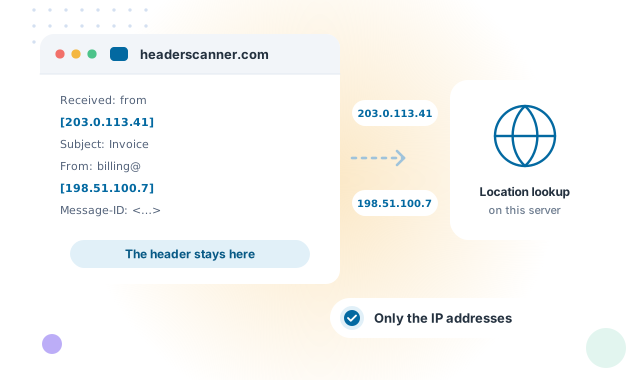
The analysis runs on this page. Only the IP addresses found in the text are sent to this server, to be located with a geolocation database held here. Each use of a tool is recorded with the time and the address it came from, so the service can be monitored. The privacy notice has the details.
The address and port this site sees when you visit, and where that address is located.
Turn accented names, symbols and emoji into the ASCII form email headers use, and back again (RFC 2047).
What the common header fields and values mean: SPF, DKIM, envelope versus header, alignment.

Sender-less messages, odd but valid addresses, Reply-To tricks, and what your phone reveals.
A short list of programs we use and recommend for logs, files, hashing and network work.

Paste its header at the top of this page and see the route it took.
Each one does a single job properly, in the same plain language, with no account anywhere.
Send a file from the browser, encrypted before it is uploaded, or use the Windows application for larger files and whole folders.
Visit filesender.io →
Send a private message as a link that can be opened once and then disappears. No account and no phone number.
Visit textme.im →
A one-time encrypted conversation that opens from a link. No account, no phone number and no history kept.
Visit protected.chat →
Reach your own PC from anywhere over a direct, encrypted channel between the two machines, using credentials of your own choosing, with no provider or service in the middle.
Visit mypc.direct →
Hand a whole gallery of photos and videos to family directly from your computer, using one-time codes that expire on their own and can be revoked at any moment.
Visit sending.pics →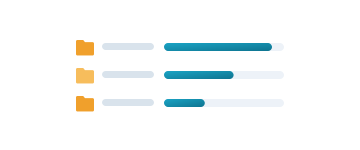
Reads the drive’s own file table instead of walking folders, so the whole disk appears quickly, sorted by size. Delete, move and rename from the same window, with a running total of the space reclaimed.
Visit claimdisk.com →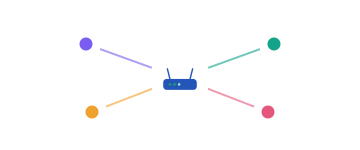
Shows the devices on your network in about thirty seconds, explains in plain English what is wrong, and fixes it in one click — with a link straight to your own router’s security advisories and firmware.
Visit lanfixer.com →
Draws the connections your PC makes on a map of the world, shows which program made it, and blocks any address, region or whole country that has no business being there.
Visit mapblocker.com →Free for personal use, all of them. Organizational use (business, government and non-profit) of the Windows applications starts at $19.99 per seat.